 3504e09d7f
* Use magefolder if no directory set and it exists.

If no directory was passed by the user as an explicit option and there is a folder named "magefolder" use that.

Workdir is kept as it is likely still "."

* Remove the default . for -d flag

Also correct os.Stat error checking to expect no error

* Add tests and test data for magefolder

* Rename magefolder and accept untagged files

Magefolder was renamed to magefiles
We now accept files that are not tagged too when using a magefiles directory

* Assume tagging when mix tagging is present

When using magefiles directory, if there are mixed tagging files assume tagging is used for mage files

* Update error format to %v

We support building for older go versions so error formatting should use %v

* sort outputs

* Accept mixed tagging in magefiles folder

When mixed tagging is found within a magefiles folder, opt to use all files

* little tweak to only do go list once when using magefiles directory

* Add magefiles directory information to the website

* Add a preference for mage files over directories

Add a temporary preference for mage files over magefiles directories and warn users this is a temporary functionality leading to a change where directory will be preferred.

Co-authored-by: Nate Finch <natefinch@github.com>



About
Mage is a make-like build tool using Go. You write plain-old go functions, and Mage automatically uses them as Makefile-like runnable targets.
Installation
Mage has no dependencies outside the Go standard library, and builds with Go 1.7 and above (possibly even lower versions, but they're not regularly tested).
Using GOPATH
go get -u -d github.com/magefile/mage
cd $GOPATH/src/github.com/magefile/mage
go run bootstrap.go
Using Go Modules
git clone https://github.com/magefile/mage
cd mage
go run bootstrap.go
This will download the code and then run the bootstrap script to build mage with
version infomation embedded in it. A normal go get (without -d) or go install will build the binary correctly, but no version info will be embedded.
If you've done this, no worries, just go to $GOPATH/src/github.com/magefile/mage
and run mage install or go run bootstrap.go and a new binary will be created
with the correct version information.
The mage binary will be created in your $GOPATH/bin directory.
You may also install a binary release from our releases page.
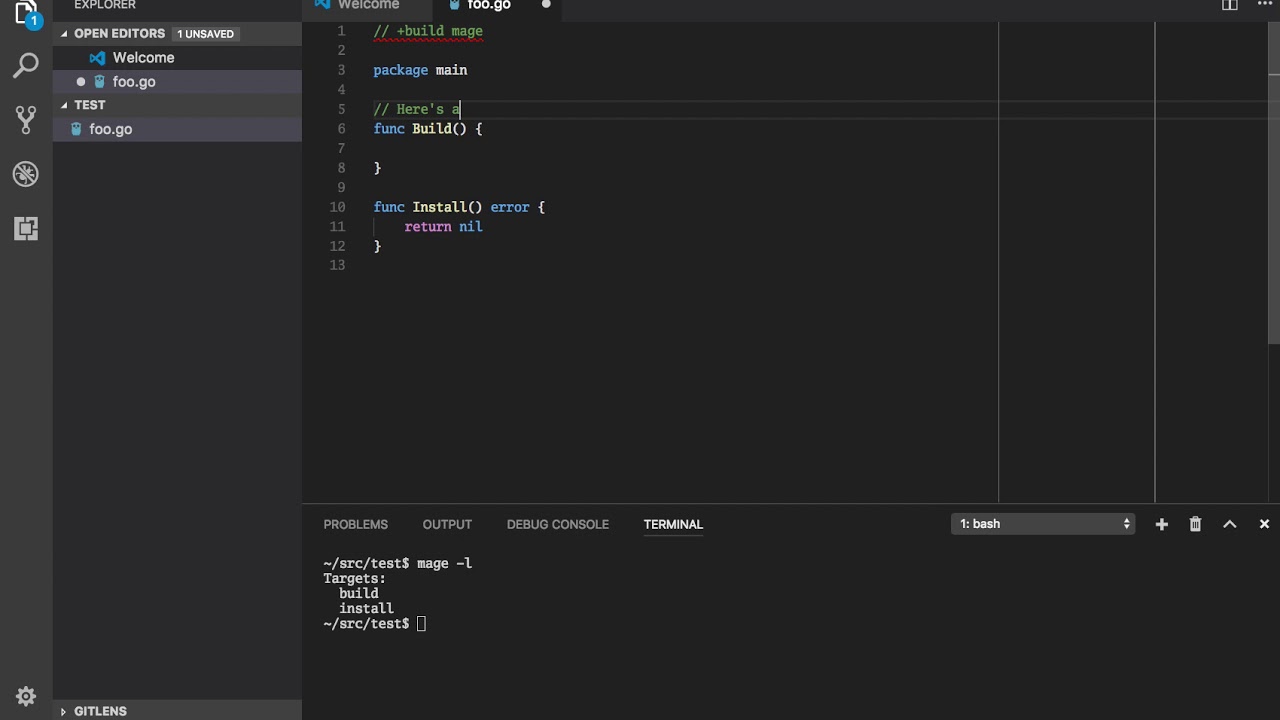
Demo
Discussion
Join the #mage channel on gophers slack
or post on the magefile google group
for discussion of usage, development, etc.
Documentation
See magefile.org for full documentation.
See pkg.go.dev/github.com/magefile/mage/mage for instructions on how to use Mage as a library.
Why?
Makefiles are hard to read and hard to write. Mostly because makefiles are essentially fancy bash scripts with significant white space and additional make-related syntax.
Mage lets you have multiple magefiles, name your magefiles whatever you want, and they're easy to customize for multiple operating systems. Mage has no dependencies (aside from go) and runs just fine on all major operating systems, whereas make generally uses bash which is not well supported on Windows. Go is superior to bash for any non-trivial task involving branching, looping, anything that's not just straight line execution of commands. And if your project is written in Go, why introduce another language as idiosyncratic as bash? Why not use the language your contributors are already comfortable with?
Thanks
If you use mage and like it, or any of my other software, and you'd like to show your appreciation, you can do so on my patreon:
