You've already forked OneDriveGUI
mirror of
https://github.com/bpozdena/OneDriveGUI.git
synced 2026-10-24 04:59:17 +03:00

OneDriveGUI
A simple GUI for abraunegg's OneDrive Linux client , with multi-account support.
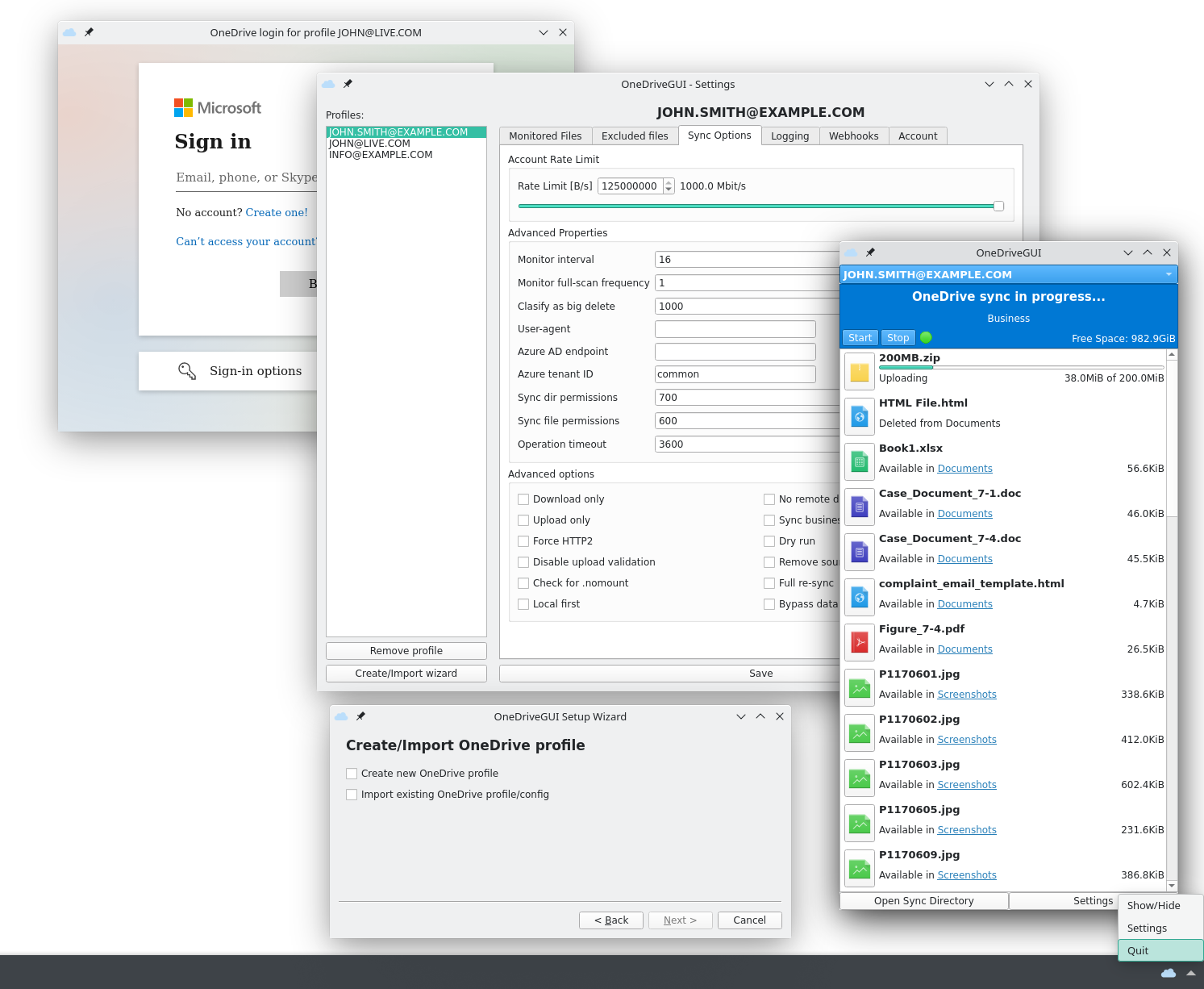
Usecases
- Create new OneDrive profile or import pre-existing one.
- Perform configuration changes.
- Start/Stop OneDrive monitoring mode.
- Real-time file transfer monitoring (monitor-mode only).
Important notes
- This project is currently in alpha stage.
- Check for known issues/limitations.
- Suggetions and bug reports are welcome.
Installation steps
-
Ensure OneDrive for Linux is instelled based on instructions for your distro.
-
Ensure Python3 and pip are installed on your system.
-
Clone or download content this repository.
-
(Optional) Create and activate a Python virtual environment:
python -m venv venv source venv/bin/activate -
Install dependencies:
python -m pip install -r requirements.txt -
Start OneDrive GUI:
cd OneDriveGUI/
python OneDriveGUI.py
Optionaly, you can detach the GUI from terminal by using the bellow command:
nohup python OneDriveGUI.py > /dev/null 2>&1&